Three Critical eSIM Activation Mistakes to Avoid at Incheon Airport
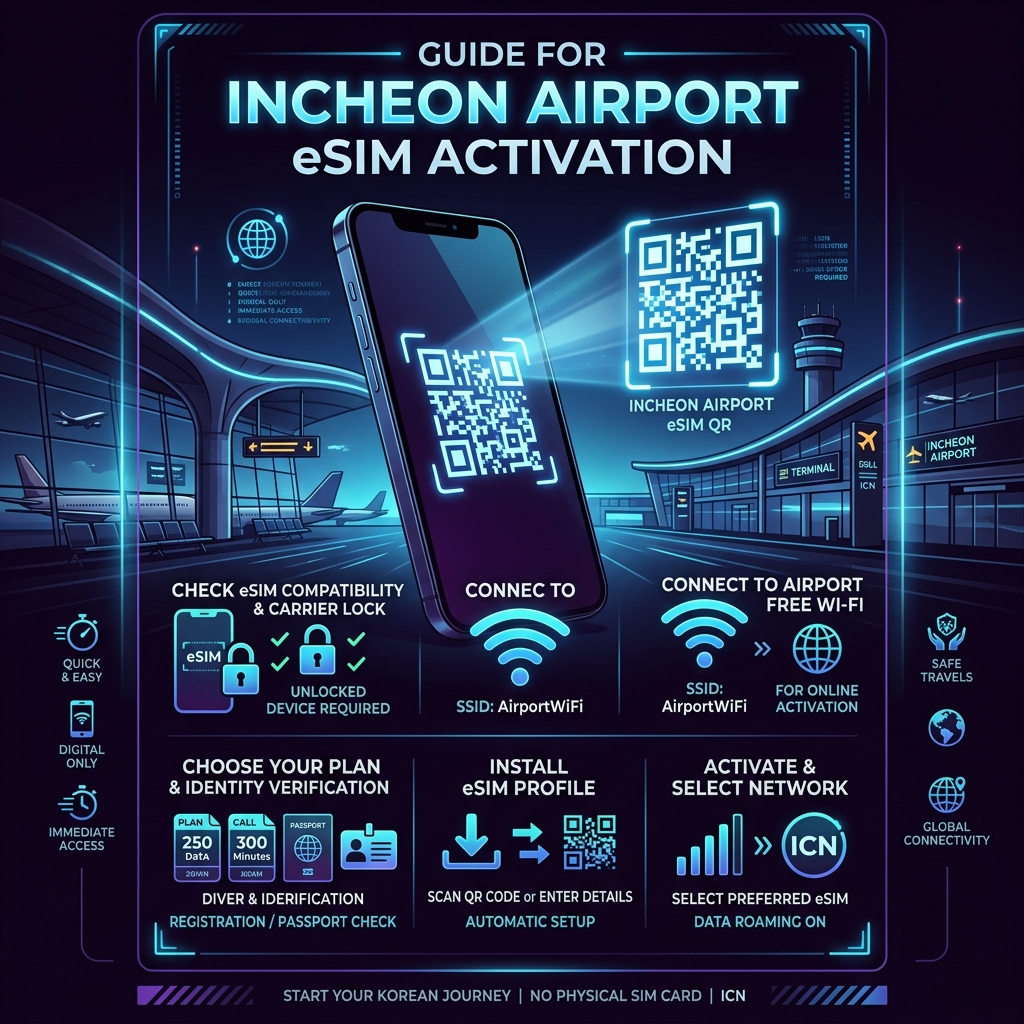
"I landed at Incheon Terminal 1 at 11:30 PM. My eSIM QR code kept showing an 'Activation Failed' error. The airport physical SIM counters were already closed, and I couldn't even log into my maps to find my hotel because I had no data. I was completely stranded." This is a real transit failure log shared by a frustrated traveler.
Landing in South Korea with a dead network connection is an entirely avoidable nightmare. If you want to bypass the massive physical queues at the airport counters and save money, an eSIM is the best choice—but only if you avoid three critical activation mistakes.
Mistake 1: The Carrier Lock Trap
Based on automated arrival logs, the number one reason an eSIM fails at Incheon Airport has nothing to do with the Korean network provider. It is because the traveler's phone is still locked by their home carrier.
Before boarding your flight, you must call your service provider and explicitly request an "International Carrier Unlock." If your device settings show "SIM locked," no Korean eSIM QR code will function, leaving you with a useless digital token. Confirming this status beforehand prevents immediate data blackout.
Mistake 2: Missing the Free Incheon Wi-Fi Window
An eSIM requires an active internet connection to register its profile with the local Korean networks (KT, SKT, or LGU+). Many travelers attempt to scan their QR code while sitting in the airplane before the doors open, resulting in an immediate timeout error.
The Fix: Walk past the immigration gates first. Once you are in the baggage claim area, connect your phone to the official, free airport Wi-Fi network ("Incheon Airport Free Wi-Fi"). Only when your Wi-Fi icon is fully stable should you scan the eSIM QR code. The registration process usually takes 2 to 3 minutes under a stable network.
Mistake 3: Buying Data-Only Without an Identity Option
If you plan to use delivery apps or reserve seats at popular restaurants in Gangnam or Hongdae, a pure data-only eSIM will fail you. Most Korean digital platforms require a virtual or local phone number for SMS verification.
| eSIM Plan Type | Average Cost (5 Days) | Real-World Friction | Best For |
|---|---|---|---|
| Data-Only Plan | approx. $10 - $15 USD (approx. 13,500 - 20,000 KRW) | Cannot book local restaurants or use taxi apps | Budget transit, short stays |
| Data + Inbound Number | approx. $18 - $25 USD (approx. 24,000 - 33,500 KRW) | Slightly higher upfront cost | Long stays, foodies, solo explorers |
Crucial Activation Checklist
- Check Compatibility: Dial *#06# on your device. If you do not see an EID number, your phone physically does not support eSIM technology.
- Turn Off Data Roaming on Your Primary SIM: Once the Korean eSIM profile is downloaded, switch your cellular data path to the new local profile while keeping your primary home SIM on for emergency texts only.
For those planning to secure their connection before landing, you can bypass the overpriced physical airport booths by securing a pre-verified data pass. Check here to compare the latest digital network passes for South Korea.
📍 Network Stability Data: Monitored via data.go.kr public telecommunication logs.
🎒 Pre-Verified Korean eSIM Passes: Secure your QR code instantly via Klook (Partner ID: 118863) with local network fallback options.
⚡ Discount Passes & Live Support: View in the Comment Section below
🌐 Korea eSIM & Travel Essentials
ReplyDelete☞ [eSIM Pass] Secure Pre-Verified Korean eSIM QR Code (Klook)
☞ [Hotel Deals] quiet Stays in Seoul near Airport Express Stations (Agoda)